The new environment for managing, testing, and publishing creatives.
The platform makes it easier and faster to manage, test, and publish creatives.
In the coming period, more and more features and templates will become available through Creation.
The Previewer will be phased out in Q1 2027. After that, you’ll only be able to download creatives here, and newer templates will only be compatible with Creation.
Don’t have access yet? We recommend requesting it now so you can familiarize yourself with the new environment.
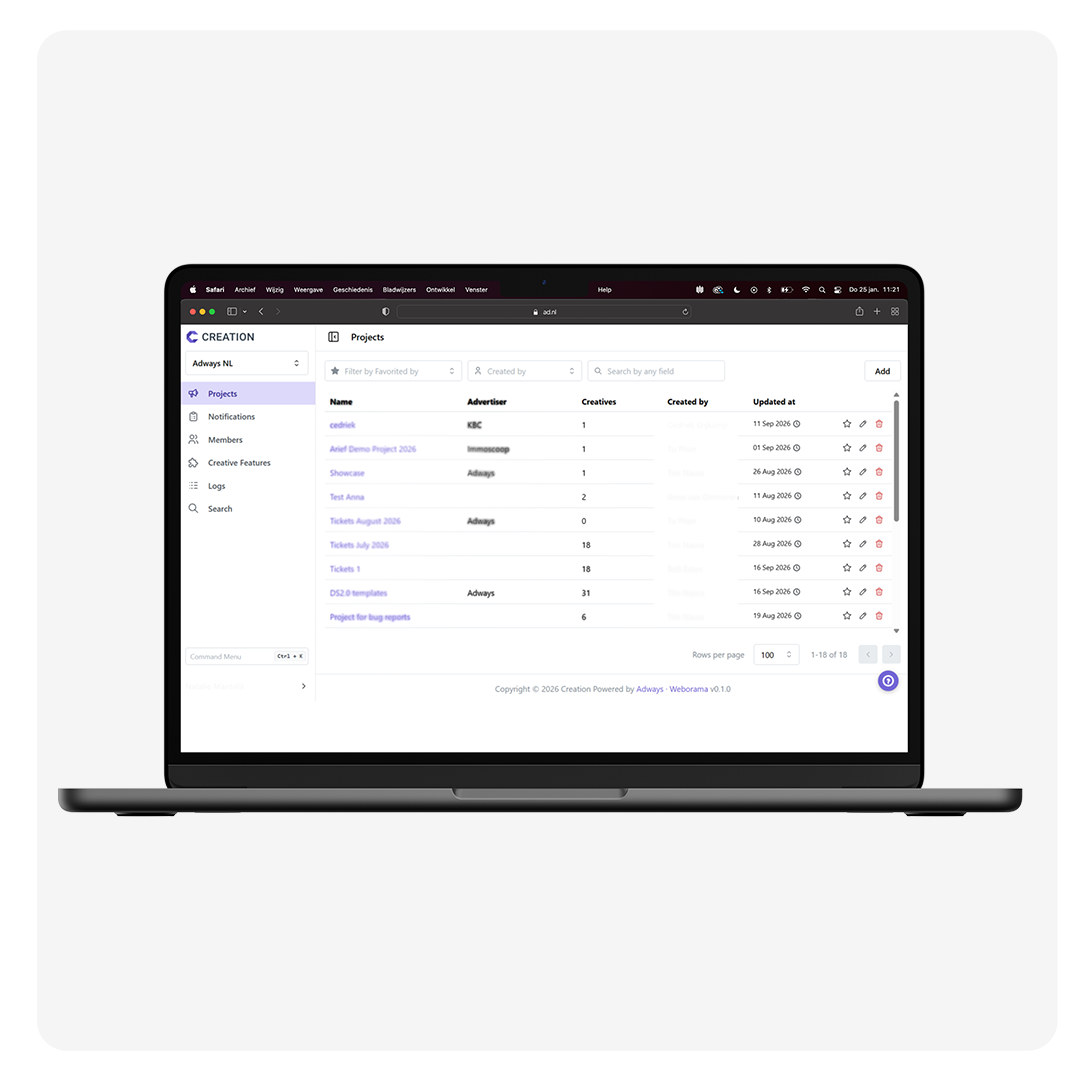
Creation is Adways’ new environment for managing, testing and publishing creatives. It will gradually replace the current Previewer.
Creation provides a faster and more streamlined workflow, an improved connection with the ad server and new functionalities for managing and testing creatives.
The Previewer will be phased out in Q1 2027. After that, you will only be able to download existing creatives from the Previewer.
We recommend requesting access and starting to use Creation now. This gives you time to get familiar with the new environment before the Previewer is phased out. Newer templates will also only be compatible with Creation.
Creation allows you to manage, test and publish creatives. It also includes features such as:
• An editor to make changes to files directly in the UI
• Automatic detection of screenad.vars labels for dynamic settings
• Feature labels to categorise creatives
• Status updates for submitted creatives
• Multiple options for generating previews
• Bulk previews for multiple creatives within a project
• An API for integration into your creative workflow
Yes. Creation allows you to set your own default preview page and open previews directly from different areas within the platform.
Yes. With bulk previews, you can include multiple creatives from the same project in a single preview.
Yes. Creation is fully compatible with the latest Screenad version and is prepared for future advanced reporting possibilities around interaction and attention metrics.
You can request access directly via Creation. Once you have access, you can start exploring and using the new environment.
Request access to Creation